eBooks











I’m pleased to be able to offer ePub and .mobi eBook files from this website at a cost of $5.99 Canadian.
The “Buy Now” button take you to PayPal.
When you’ve paid, PayPal sends you to the appropriate download page.
(contains both .epub and .mobi files, as well as ePub specifically formatted for Kobo)
For iPad, iPhone, or iPod Touch: Install iBooks. It’s the best e-reader I’ve ever seen. Just drag the books to iTunes (v9.1 or later) If the cover art doesn’t show, steal it from this website and use the ‘info’ command and drag the image to the artwork window. iTunes will install the book into iBooks when you sinc.
For Kindle: Download .mobi file (It’s on the same page as the EPub file, after you pay with PayPal). Email the file to the Kindle email address. I’m also including direct links to Amazon for Kindlebooks.
For Kobo: See detailed instructions at the bottom of the page. I’m also including direct links to Kobo Books.
For Nook: Download the ePub file, connect the Nook to your computer, and transfer the file.
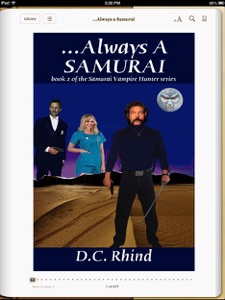
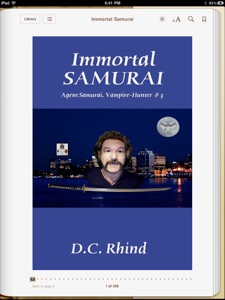
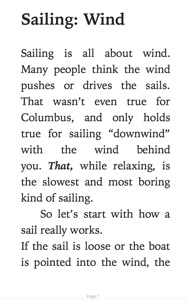
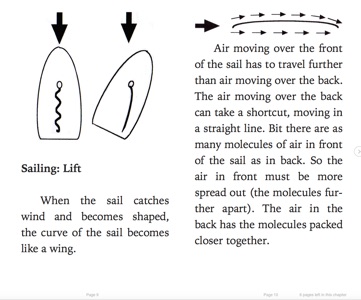
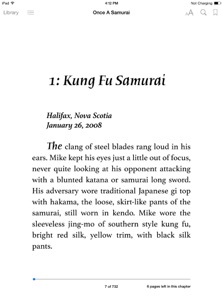
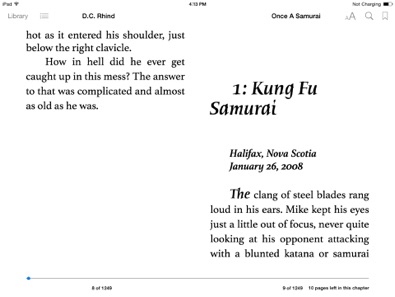
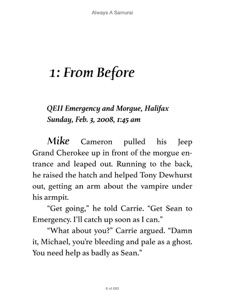
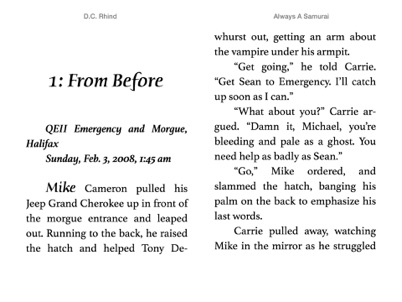
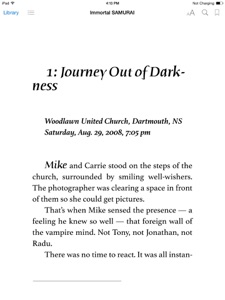
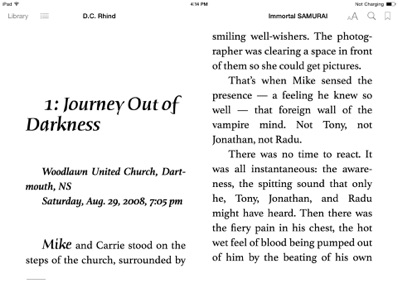
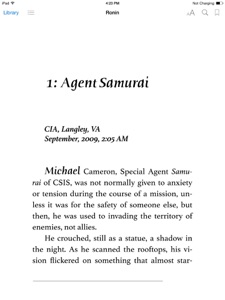
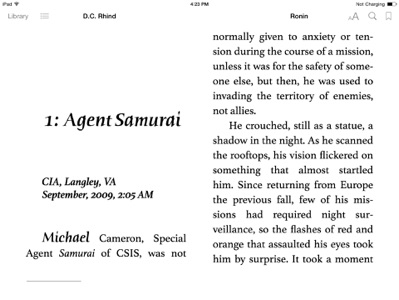
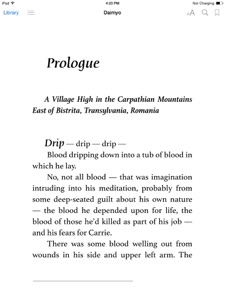
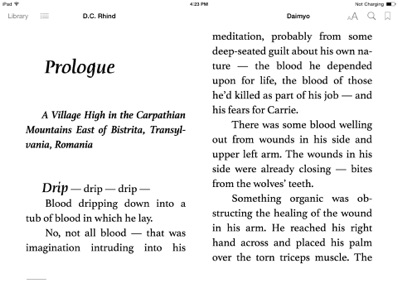
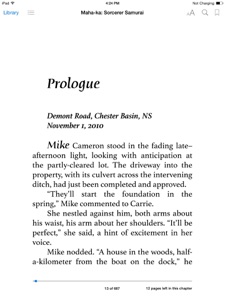
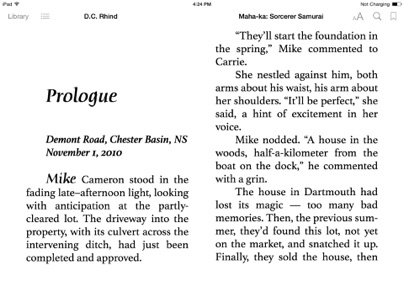
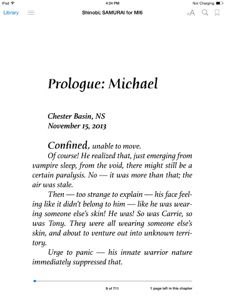
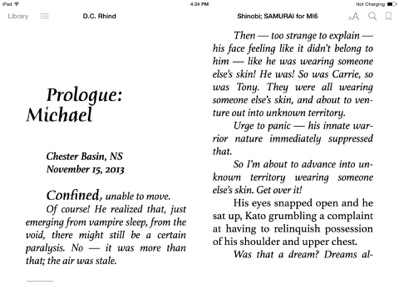
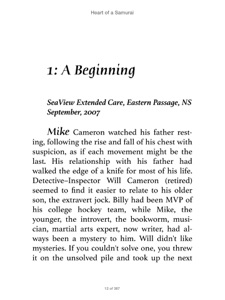
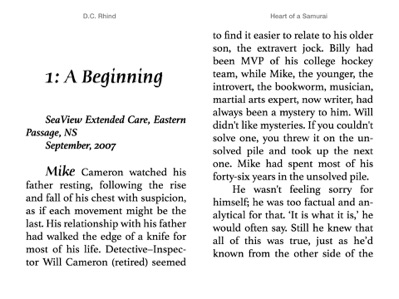
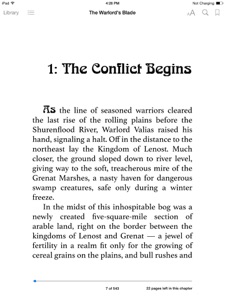
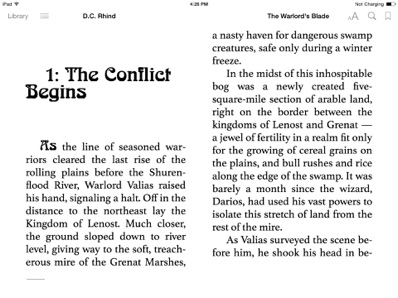
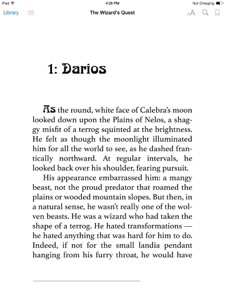
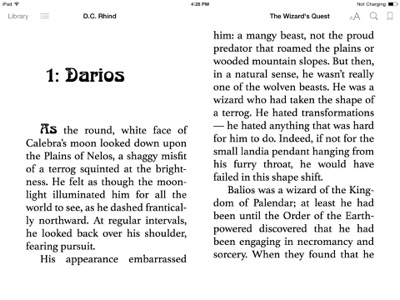
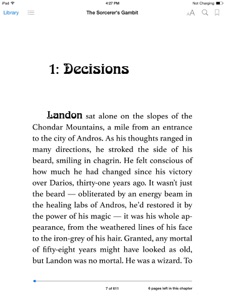
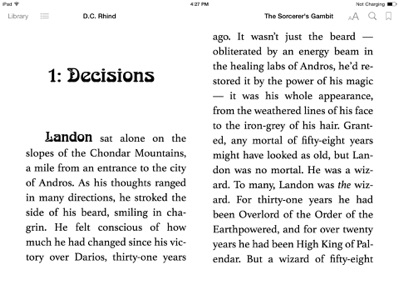
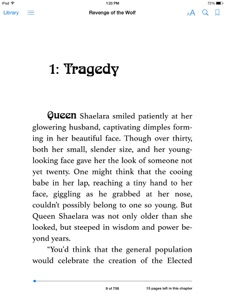
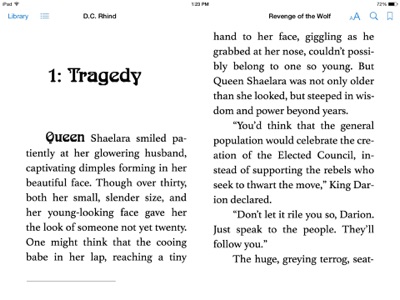
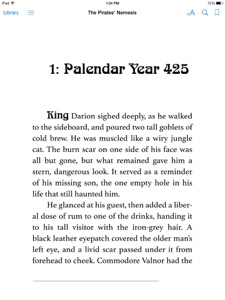
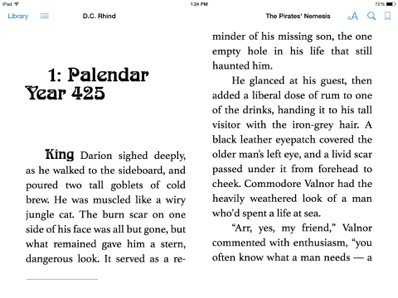
The pictures shown are from the original version of iBooks on iPad.
Alas, this classic look is gone in later iOS versions. Perhaps we can pressure Apple into bringing it back.
> Also available from the Apple iBookstore, Amazon (KindleBookstore), and now Kobo.
but buying direct from me spares Canadians sales tax, and nets me a greater royalty share.<
*NookPress has dropped me after 3 years for not being a US resident!*




For story outline see the series page
For story outline see the series page
For story outline see the series page
For story outline see the series page
File size: 356 kb
File size: 594 kb
File size: 4 mb
File size: 4 mb
$5.99 Can., via PayPal
For story outline see the series page
File size: 315 kb

File size: 4 mb
For story outline see the series page




For story outline see the series page
File size: 5 mb
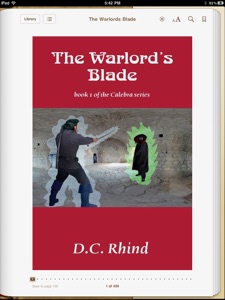
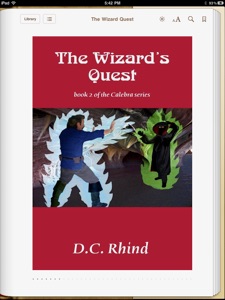
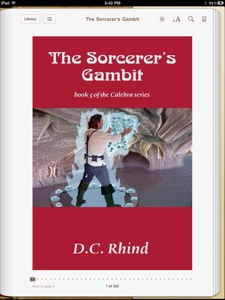
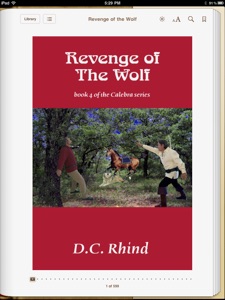

For story outline see the series page
$5.99 Can.
File size: 476 kb

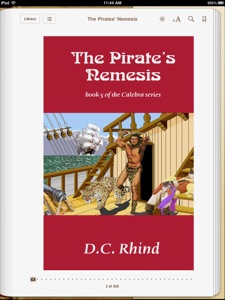
For story outline see the series page
File size: 1 mb
For story outline see the series page



For story outline see the series page
For story outline see the series page
Kobo Users wanting to buy direct from me: FOLLOW THIS SEQUENCE:
-
- Turn Kobo (power) off and connect to computer via USB cable.
-
-Turn Kobo on.
-
-On opening page of the device screen, select "Manage Library"... and the device is from then on acknowledged by the computer.
-
-In Windows Explorer (or Mac Finder) the Desktop now displays:
-
-My Computer \ KOBOeReader
-
-In Windows Explorer, select the book to send (copy) to the device.
-
-Drag & drop it into this main folder KOBOeReader.
-
-Eject the device.
-
-Unplug the USB cable (That's essential).
The device will spontaneously update itself, the new book now included in its own "Books" library.
Try eMailing the book to your kobo, and selecting it from the eMail — Kobo may offer to load it into the book library!
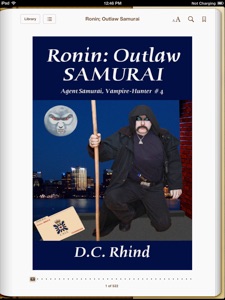
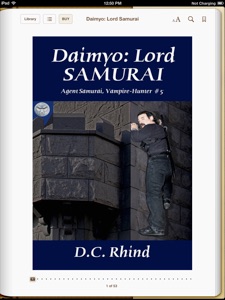
New revised version with embedded fonts! Own the Original? AND FRESHLY REVISED FALL, 2017
Contact me <david@dcrhind.ca>for a free replacement. It’s also been replaced in the iBookstore, and they may allow you to renew the file.
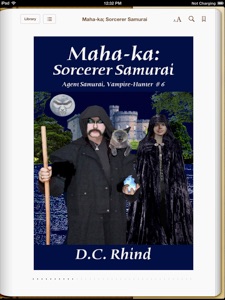
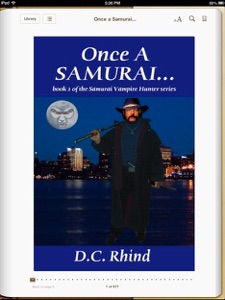
File size: 760 kb
File size: 1.2 mb
File size: 1.0 mb
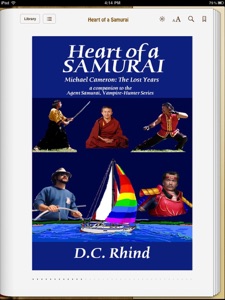
$5.99 Can., via PayPal
$5.99 Can., via PayPal
$5.99 Can., via PayPal
$5.99 Can., via PayPal
$5.99 Can., via PayPal
$3.00 Can., via PayPal
$5.99 Can., via PayPal
$5.99 Can., via PayPal
$5.99 Can., via PayPal
$5.99 Can., via PayPal
$5.99 Can., via PayPal


$2.99

$5.99
$5.99
$5.99
$5.99
$5.99
$5.99
$5.99
$5.99
$5.99
$5.99
$5.99
$5.45
$5.45
$5.45
$5.45
$5.45
$2.79
$5.45
$5.45
$5.45
$5.45
$5.45
$5.45
£3.84
£3.84
£3.84
£3.84
£3.84
£3.84
£1.92
£3.84
£3.84
£3.84
£3.84
£3.84



For story outline see the series page
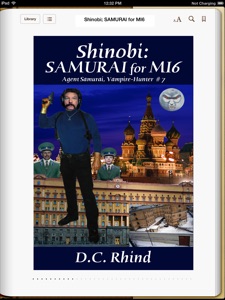
$5.99 Can., via PayPal

$5.99


$5.45
£3.84




Now Available:
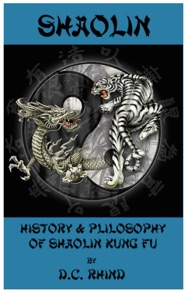

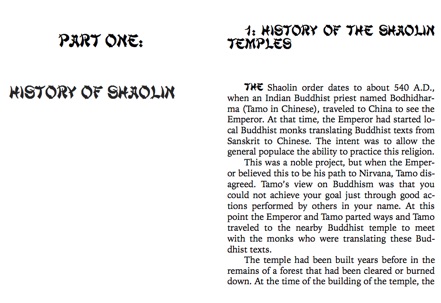
New revised version with embedded fonts! Own the Original? AND FRESHLY REVISED FALL, 2017
Contact me <david@dcrhind.ca>for a free replacement. It’s also been replaced in the iBookstore, and they may allow you to renew the file.

New revised version with embedded fonts! Own the Original? AND FRESHLY REVISED FALL, 2017
Contact me <david@dcrhind.ca>for a free replacement. It’s also been replaced in the iBookstore, and they may allow you to renew the file.
$2.00 Can., via PayPal
New revised version with embedded fonts! Own the Original? AND FRESHLY REVISED FALL, 2017
Contact me <david@dcrhind.ca>for a free replacement. It’s also been replaced in the iBookstore, and they may allow you to renew the file.
New revised version with embedded fonts! Own the Original? AND FRESHLY REVISED FALL, 2017
Contact me <david@dcrhind.ca>for a free replacement. It’s also been replaced in the iBookstore, and they may allow you to renew the file.


$2.00 Can., via PayPal


** A firmware update is expected in 2015, but. until then, Kobo distorts the appearance of any eBooks not purchased from Kobo!! **
New revised version with embedded fonts! Own the Original? AND FRESHLY REVISED FALL, 2017
Contact me <david@dcrhind.ca>for a free replacement. It’s also been replaced in the iBookstore, and they may allow you to renew the file.
New revised version with embedded fonts! Own the Original? AND FRESHLY REVISED FALL, 2017
Contact me <david@dcrhind.ca>for a free replacement. It’s also been replaced in the iBookstore, and they may allow you to renew the file.
New revised version with embedded fonts! Own the Original? AND FRESHLY REVISED FALL, 2017
Contact me <david@dcrhind.ca>for a free replacement. It’s also been replaced in the iBookstore, and they may allow you to renew the file.
New revised version with embedded fonts! Own the Original? FRESHLY REVISED FALL, 2017 New Cover Art!
Contact me <david@dcrhind.ca>for a free replacement. It’s also been replaced in the iBookstore, and they may allow you to renew the file.
New revised version with embedded fonts! Own the Original? FRESHLY REVISED WINTER, 2017 New Cover Art!
Contact me <david@dcrhind.ca>for a free replacement. It’s also been replaced in the iBookstore, and they may allow you to renew the file.
New revised version with embedded fonts! Own the Original? FRESHLY REVISED WINTER, 2017 New Cover Art!
Contact me <david@dcrhind.ca>for a free replacement. It’s also been replaced in the iBookstore, and they may allow you to renew the file.
New revised version with embedded fonts! Own the Original? FRESHLY REVISED WINTER, 2017 New Cover Art!
Contact me <david@dcrhind.ca>for a free replacement. It’s also been replaced in the iBookstore, and they may allow you to renew the file.
New revised version with embedded fonts! Own the Original? FRESHLY REVISED WINTER, 2017 New Cover Art!
Contact me <david@dcrhind.cs>for a free replacement. It’s also been replaced in the iBookstore, & Amazon Kindle Store, and they may allow you to renew the file.




$2.53

$3.25


$1.90
$2.41